It uses the typefaces already installed on your Mac. It does not install or manage fonts — if that is what you came for, this is the wrong app, and you should keep your money.

Quote cards, product titles, invitations, a poster for the school fundraiser: what it does is make the letters themselves worth looking at.

Preview can put a text box on a photo. It gives you a font, a size and a color, it is already on your Mac, and for a plain caption it is genuinely all you need. What it will not do is fill your letters with marble or gold foil, bend them onto an arc, stroke an outline around them, sit a glow behind them, or set them on a rounded plate whose padding and corner radius you control, so they stay readable over a bright sky.

That is what this is for.

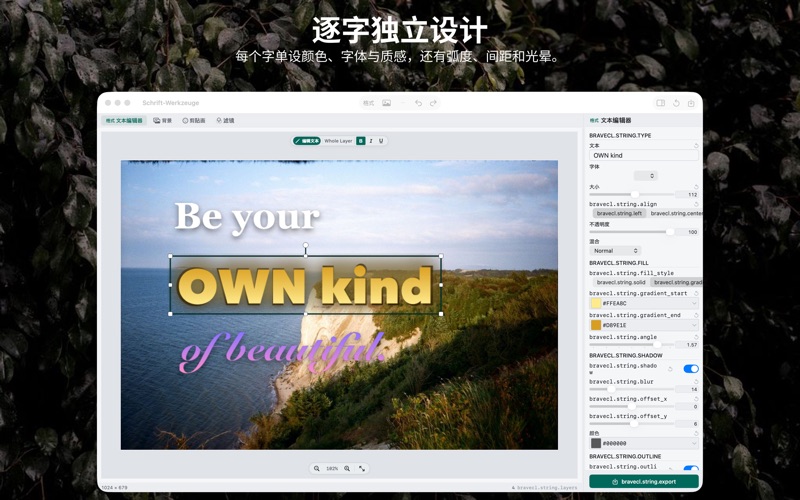
Open your photo. Double-click anywhere on it and start typing, straight onto the image. Then style what you typed:

• Fill the glyphs with one of 52 bundled photo textures — marble, granite, gold foil, bronze, copper, brushed metal, leather, fabric, wood, stone, concrete, paper, glitter — or with a two-stop gradient at any angle.
• Stroke an outline up to 40 px wide, drawn outside the letterforms.
• Add a drop shadow, an outer glow, or a rounded highlight plate behind the words.
• Curve the baseline onto an arc, and flip it to the other side.
• Set letter spacing and line height; run the type horizontally, vertically or stacked.
• 9 blend modes and opacity, on any text layer.

Highlight a few words and restyle only those. Font, size, color, bold, italic and underline apply to the range you selected, so one line can mix two typefaces without a second text layer.

Everything stays live on a layered canvas with 100 levels of undo. Drag, scale, rotate and flip anything directly on the image.

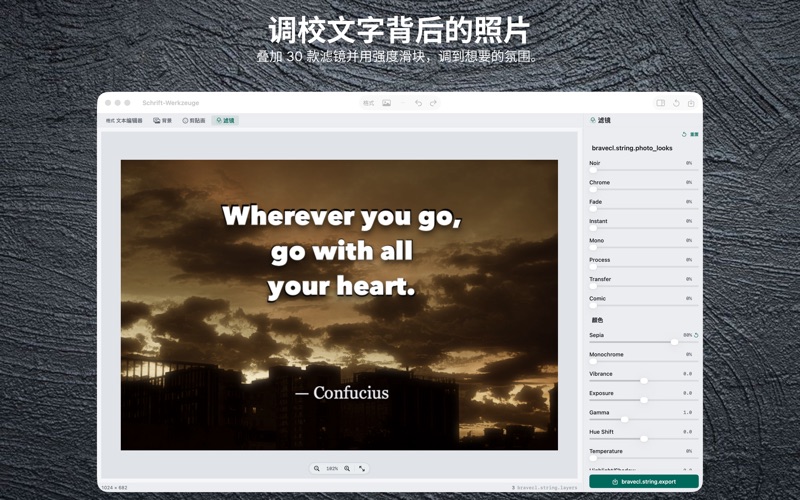
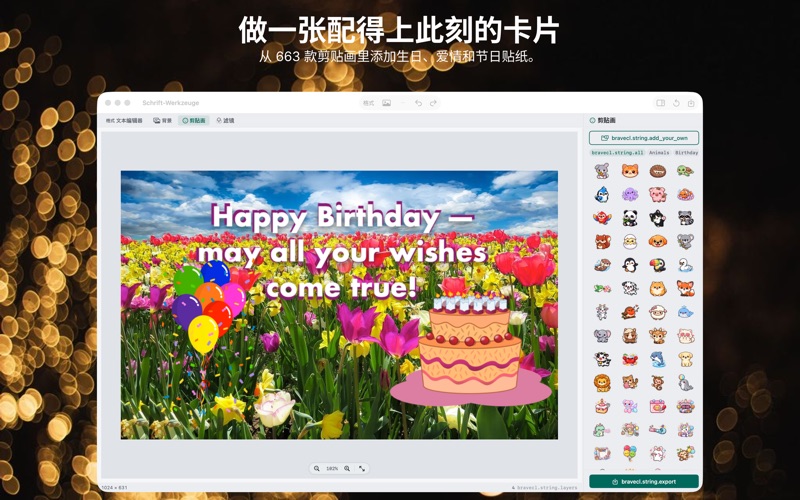
In the box: 663 clip-art stickers across 20 categories, 106 backgrounds, 52 textures, and 29 photo Looks that stay re-editable — dial one back or take it off again later. You can import your own PNG as a sticker.

Export a PNG at your photo's own pixel size, through the standard macOS Save panel. No watermark, ever.

What it does not do, so you can decide before you pay:

• One image at a time. There is no batch, no folder processing, and no saved look you can replay onto fifty photos. If you need to caption a hundred listing shots this month, this is not the tool.
• Nothing is kept but the PNG you export. There is no project file to reopen tomorrow — close the window and the layered composition is gone.
• PNG is the only export format. No JPEG, no PDF, no resize on the way out.
• It will not crop, straighten or resize the photo itself.
• No AI of any kind — no subject cutout, no generative fill, no auto-caption. No Share sheet and no Print.

It runs with the network off. No account, no sign-in, no upload, no cloud processing, no analytics — the app ships without a network entitlement at all, and asks only to read and write the files you choose yourself. Your original photo is never written over: exporting always creates a new file that you name and place.

One payment. macOS only.