Trim, add frames, or stretch to fit - adjust your video length by the second.

Adjust video length effortlessly!
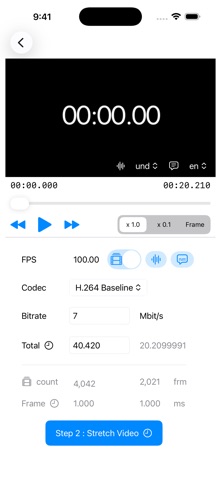
This app optimizes your video by trimming or adding frames to match your target time. You can also fine-tune the total duration by adjusting the frame count or the playback time per frame.

Important Notes:
Stretch Feature: Currently supports video export only (no audio).
Precision: Final duration may vary slightly due to internal calculation rounding.
Input: Please enter the total duration in seconds.

How to trim
Step 1 : Select a video file from device (via Files app).

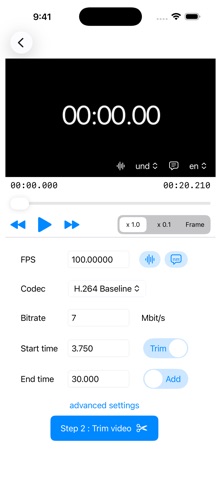
Step 2 : Input new video parameter, and trim video!
      - FPS
      - Select codec from H.264 or H.265 (HEVC) or ProRes
      - Select audio & subtitle export
      - Bitrate(Mbit/s)
      - input the seconds of trim or  add  for new video

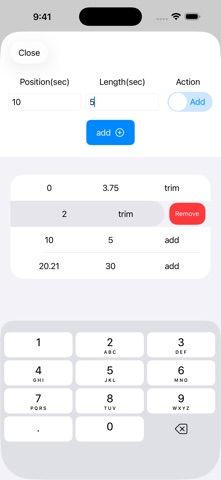
To make more detailed edits, set the time and action on the Advanced page.

When using the Stretch feature, please enter the total duration in seconds on the stretch parameter page.