Every pitch, every treatment, every visual presentation — I'd lose hours building templates, dragging images around, battling alignment tools, adjusting margins that wouldn't behave, diving deep into
Every pitch, every treatment, every visual presentation — I'd lose hours building templates, dragging images around, battling alignment tools, adjusting margins that wouldn't behave, diving deep into menus to look for the tools to solve the task I needed done. And UI controls that are too small on a big monitor, so you can't move fast.

The software on the market was built for graphic designers. I needed something more professional, more elegant, with all the control I needed right there at hand. I needed something that worked the way I thought it should: visually, quickly, under pressure. So I built Tessel.

It started as a tool for myself. Something I could open at 11 pm when a client needed a concept deck by morning. Drag in references. Arrange them on a grid. Add a title, a few notes, number the images, and maybe some page numbers. Export a clean PDF and move on.

I've used it on film pitches. Commercial treatments. Photography edits. Production design presentations. And throughout several films for look development. It works — because it only does what you need and nothing else. I use it every day. Now it's yours.

FEATURES

Composition
- Three grid systems engineered for visual storytelling and presentations. It’s all real-time.
- Uniform — architectural structure for clean presentation.
- Storyboard — image-and-caption pairs aligned for narrative flow.
- Harmonic — golden-ratio composition for inherently balanced layouts.
- Adjust rows, columns, spacing and alignment. The system preserves proportion as you work.

Image Control
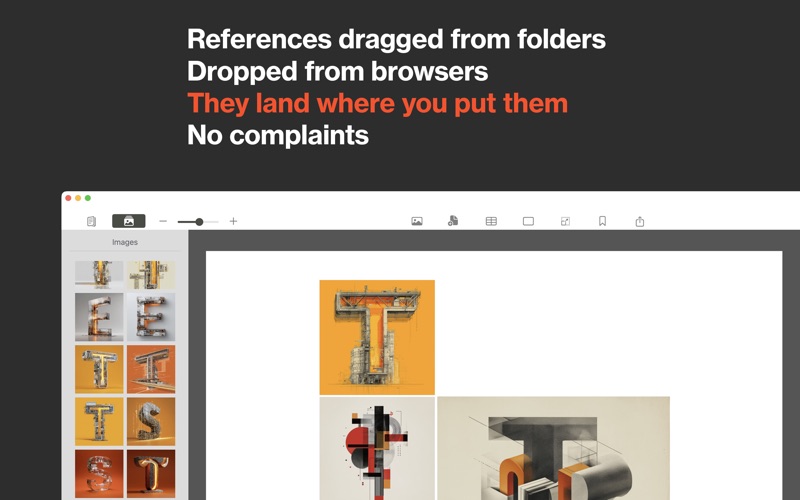
- Drag from Finder, browsers or folders. Scale and position independently within each cell.
- The Image Shelf retains references while you compose, and you can edit any image from the Image Shelf back in your favourite image creation software.
- Displaced images remain organised and recoverable — nothing gets lost.

Selection
- Marquee selection for bulk operations. Drag to select multiple cells, then move, delete or adjust scale and position across the selection in one gesture.

Guidelines
- Drag guides from the rulers onto the page — horizontal and vertical, per-page. Measurement labels appear on the ruler in your chosen unit. Toggle visibility with ⌘;

Typography
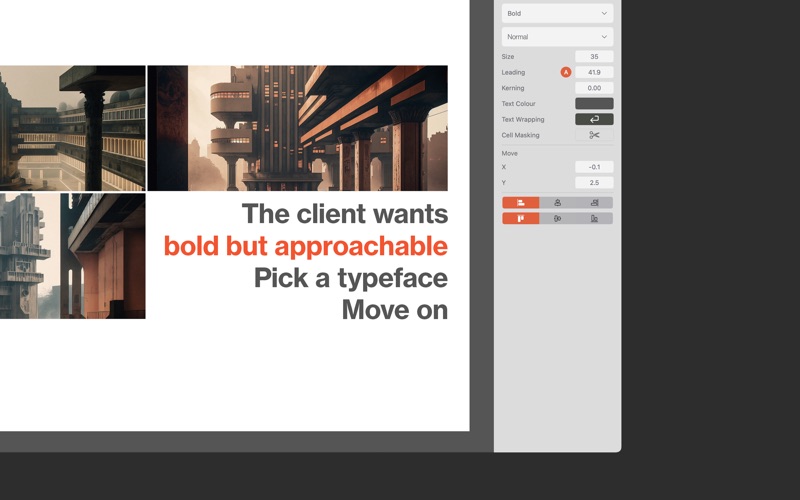
- Professional typographic control. Titles, captions and page numbers with full formatting authority.

- Headers and footers support repeating elements across the entire document, including logos and dynamic fields.
- Multi-Page Workflow
- Build decks across unlimited pages. Duplicate, reorder and refine without breaking layout integrity.
- Each page maintains an independent grid, guide and content control.

Export Pipeline
Three production-ready outputs

- PNG Sequence (2× resolution) — HD pages export at 3840×2160 for editorial or presentation workflows.
- Presentation Export — opens directly in Keynote, PowerPoint and Google Slides as full-bleed slides.
- PDF — pixel-accurate to your layout.
- Design once. Deploy everywhere.

Built for macOS
- Native application. Metal-rendered canvas. No web layer. And is working locally on your machine.
- Near-instant document open with progressive image loading. Offline capable. No account required.
- Apple Silicon and Intel. Light and Dark modes.

- One purchase. No subscription.