dotViewer upgrades Finder’s Quick Look previews for the technical files macOS often treats as plain text or does not preview well
dotViewer upgrades Finder’s Quick Look previews for the technical files macOS often treats as plain text or does not preview well.

Select a file in Finder, press Space, and inspect source code, dotfiles, config files, Markdown, logs, CSV/TSV data, man pages, executable scripts, and plain text documents without opening a full editor.

QUICK LOOK FOR DEVELOPER FILES
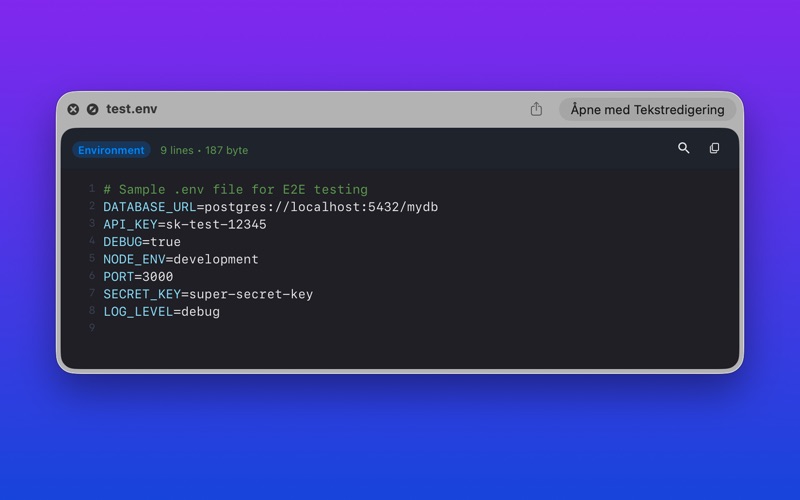
Preview common project files directly in Finder, including .gitignore, .env, .zshrc, .editorconfig, JSON, YAML, XML, TOML, INI, Markdown, shell scripts, logs, and source code.

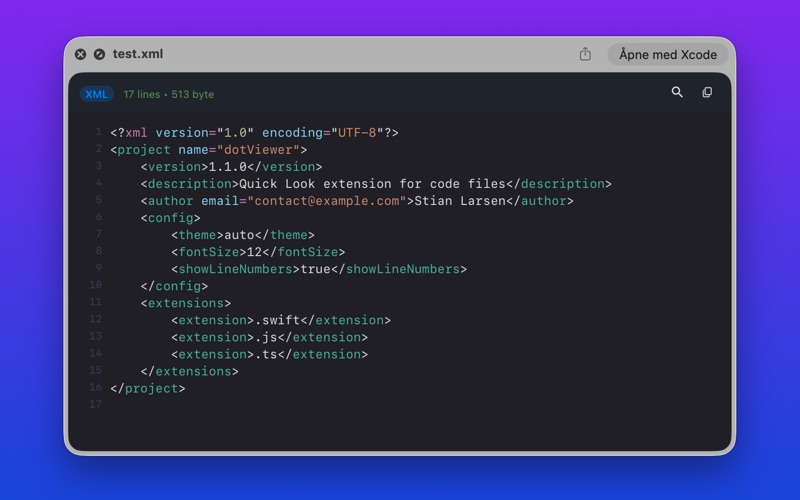
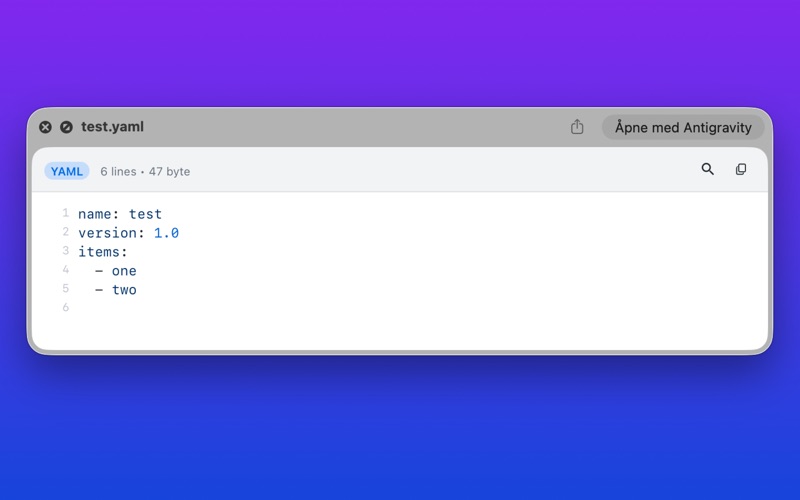
SYNTAX-HIGHLIGHTED PREVIEWS
dotViewer renders code with line numbers, syntax highlighting, theme-aware colors, search, word wrap, and copy-friendly selection behavior.

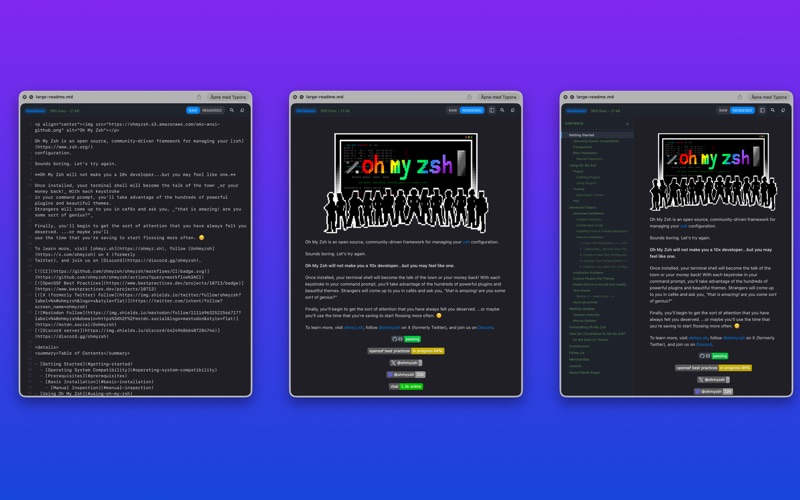
MARKDOWN RAW + RENDERED MODES
Read Markdown as highlighted source or switch to a rendered document view with tables, task lists, headings, code blocks, links, and an optional table of contents.

CUSTOM TYPOGRAPHY
Choose installed macOS fonts separately for Code/RAW previews and rendered Markdown. Finder thumbnails follow your selected code font, so previews can match the way you prefer to read.

BUILT FOR FINDER WORKFLOWS
• Preview files with Space in Finder
• View dotfiles and hidden configuration files
• Inspect CSV/TSV data in structured previews
• Render man pages and plain text documents
• Highlight lines and ranges
• Search inside previews
• Copy selected text with configurable behavior
• Adjust preview width, alignment, font size, and window sizing
• Manage supported file types and custom mappings
• Detect competing Quick Look extensions from the companion app

THEMES AND APPEARANCE
Choose from system-following and fixed themes, including Atom One, GitHub, Xcode, Solarized, Tokyo Night, Blackout, and more. Configure line numbers, word wrap, font size, preview width, Markdown behavior, and initial Quick Look window size.

LOCAL AND PRIVATE
dotViewer runs locally on your Mac. File previews are generated on-device. Your files are not uploaded to a server.

REQUIREMENTS
• macOS 15.0 or later
• After first launch, enable the Quick Look extensions in System Settings if macOS does not enable them automatically.