

Description
This app is designed to verify the functions of Aioi-System’s visible RFID **Smart Tag** devices
This app is designed to verify the functions of Aioi-System’s visible RFID **Smart Tag** devices.

A physical Smart Tag is required to use this app.

How to use:

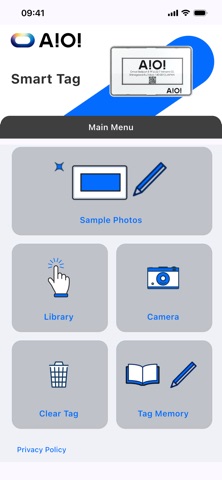
From the **Main Menu**, open a feature page, tap the page action button, and hold the Smart Tag near your iPhone when prompted to run the operation.

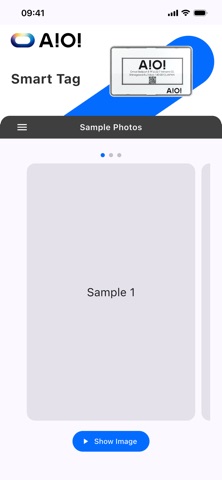
- **Sample Photos**

    Select a sample slot and tap **Show Image** to display it on the tag.

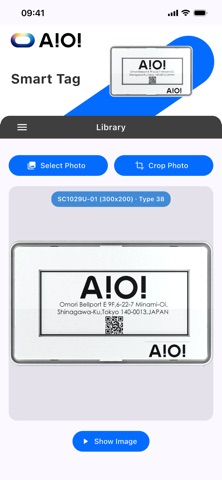
- **Library**

    Tap **Select Photo** (or **Crop Photo**) to choose an image, then tap **Show Image** to send it to the tag.

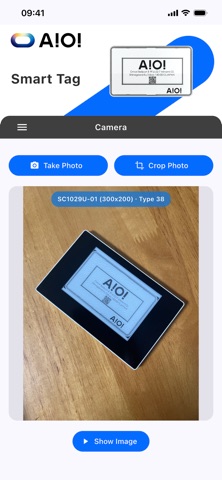
- **Camera**

    Tap **Take Photo** (or **Crop Photo**) to capture an image, then tap **Show Image** to display it on the tag.

- **Clear Tag**

    Clears the Smart Tag e-paper display.

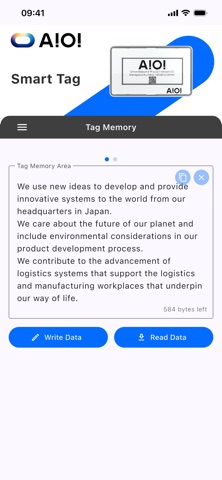
- **Tag Memory**

    Read and write text data in Smart Tag memory.

    This page includes two areas: **Tag Memory Area** and **Free Information Area** (swipe left/right to switch).

    Enter text, tap **Write Data**, and scan the tag to save.

    Tap **Read Data** and scan the tag to load saved text.
分类: 工具(185746)
版本: 2.0.0
BundleId: com.aioisystems.smarttagdemo
开发者: AIOI・SYSTEMS CO.,LTD
最近更新: 2026-05-26
