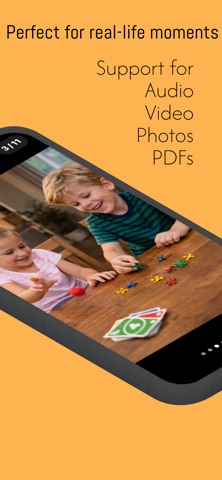
Hand someone your phone—without giving them access to everything.

OnlyShow lets you share photos, videos, and documents safely. They see only what you choose.

Perfect for IDs, insurance, work files, or showing photos without risk:

• Showing proof of insurance or ID
• Sharing photos with friends or coworkers
• Letting someone view documents without scrolling through your phone
• Handing your phone to a child without exposing private content

HOW IT WORKS
Create folders containing only the items you want to show.
When you enter Display Mode, OnlyShow locks your app into that content.

Swipe between items while everything else stays hidden.

FEATURES
• Photos, videos, PDFs, and audio support
• Secure display mode with swipe navigation
• Face ID / passcode lock on exit
• Optional auto-lock and background protection
• Rotate images and documents for better viewing
• Quick playback controls for video and audio
• Simple folder organization

PRIVACY FIRST
OnlyShow is designed to prevent accidental exposure of personal content when handing your phone to someone else.

For maximum protection, Guided Access can be enabled from iOS Settings.

IMPORTANT NOTE
Files stored only in iCloud may require two taps in the Files picker — the first tap downloads the file, and the second selects it.

---

OnlyShow helps you stay in control of what others see.