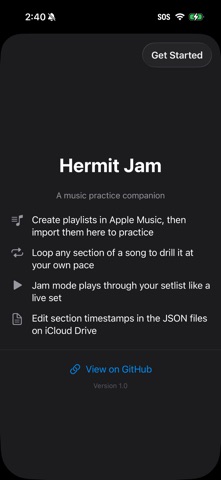
Hermit Jam is a music practice companion. Import your playlists, jam through songs, and drill individual sections with loop and speed control.

How It Works:
1. Create a playlist in your music app with the songs you want to practice
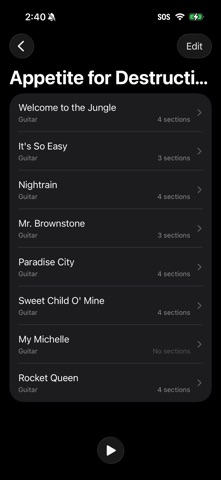
2. Import the playlist into Hermit Jam
3. Tap Jam to play through songs in order — like a live set
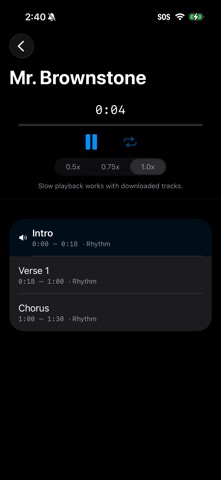
4. Tap a song to practice — see sections, loop any part, change speed

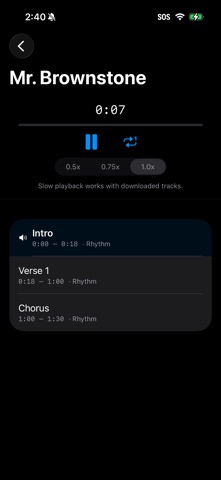
Practice Mode: Tap any song to see its sections (intro, verse, chorus, solo). The playhead tracks your position. Tap a section to jump to it. Hit the loop button to repeat just that section until you've got it down.

Jam Mode: Hit play to jam through your entire setlist. Songs play start to finish, one after another. Just like playing along with the record.

Speed Control: Slow down to 50% or 75% speed for learning difficult parts. Works with locally downloaded tracks — buy the music, and the speed picker activates.

Edit in iCloud Drive: Section timestamps are stored as JSON files in iCloud Drive. Open them in any text editor to adjust timing or add sections. Changes sync back automatically.

No account required. No subscription. No server. Your data lives in iCloud Drive.