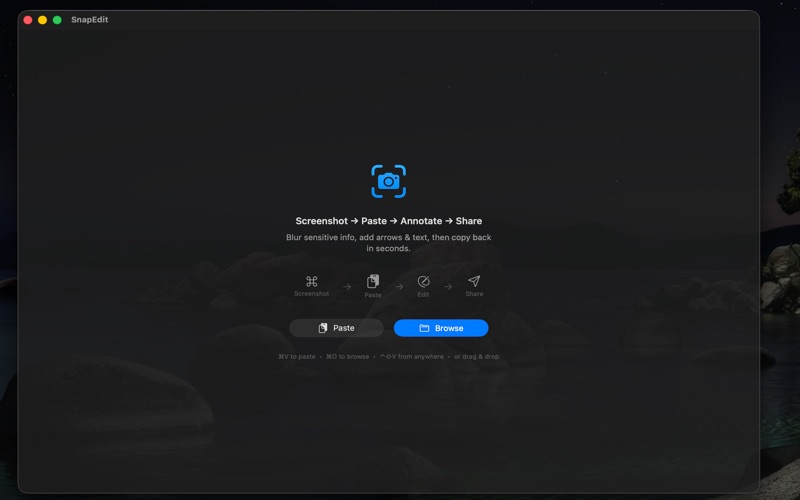
Paste any image from your clipboard and annotate it in seconds. SnapEdit is a fast, lightweight, completely free screenshot editor for macOS.

In-App Purchase is an optional donation to support ongoing development.

WORKFLOW
Screenshot → Paste (Ctrl+Shift+V) → Edit → Copy (Cmd+C) → Share

KEY FEATURES

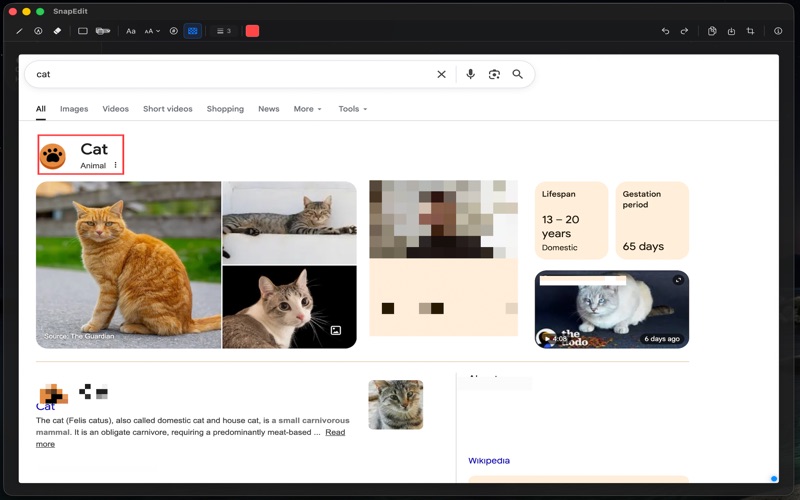
• Draw & Annotate — Pen, highlighter, arrows, lines, rectangles, and circles with custom color and stroke width
• Privacy Blur — Drag to pixelate sensitive areas like emails, passwords, and personal details
• Numbered Steps — Place auto-incrementing numbered markers for guides and tutorials
• Text with Fonts — Add text with 16 fonts, size controls, bold/italic, color, and multiline support
• Crop & Resize — Crop with draggable handles and ratio presets (16:9, 1:1, 4:3, 9:16)
• Overlay Paste — Paste another image on top, then move and resize it
• Global Hotkey — Ctrl+Shift+V pastes from anywhere, even when minimized

RECENT IMPROVEMENTS
• Better text editing flow, placement, and live font updates
• Ratio-locked crop resizing after preset selection
• More accurate rectangle/circle final size matching preview

FAST & LIGHTWEIGHT
• Small app size, fast launch
• No account, no subscription, no tracking
• All editing happens locally on your Mac
• Free to use, with optional donation

KEYBOARD SHORTCUTS
⌃⇧V Paste from anywhere • ⌘V Paste • ⌘C Copy • ⌘S Save • ⌘Z Undo • ⌘K Crop • ⌘O Open • ⌘N New
B Pen • H Highlighter • E Eraser • T Text • N Number • X Blur

Perfect for developers, designers, support teams, and anyone who shares screenshots daily.