RecAll is a powerful, lightweight, and professional screen recording tool designed for Mac users
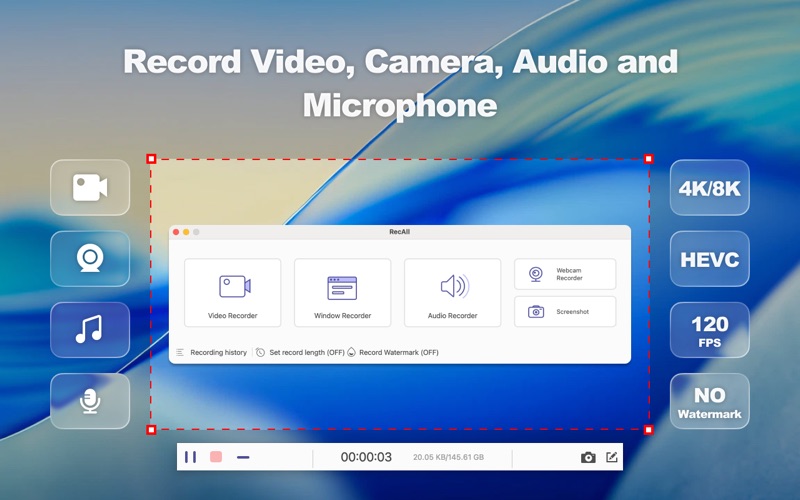
RecAll is a powerful, lightweight, and professional screen recording tool designed for Mac users. Whether you are capturing high-octane gameplay, creating professional video tutorials, recording online meetings, or grabbing streaming content, RecAll provides a seamless and high-quality experience.

With support for up to 4K resolution and high-frame-rate recording, RecAll ensures every detail on your screen is captured with crystal clarity.

【Key Features】
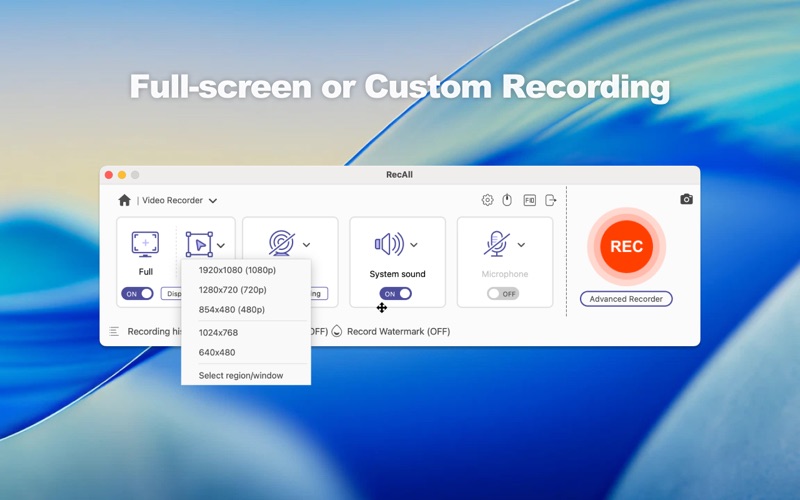
Flexible Recording Area: Choose to record the full screen, a specific window, or any custom-selected area.
Pro Video Specs: Recording resolution reaches up to 8K. Supports a wide range of frame rates from 5 to 120 FPS, enabling ultra-smooth game capture.
Advanced Encoding: Support for industry-standard codecs including H.264, HEVC (H.265), and AV1 for superior quality at smaller file sizes.
Multi-Format Export: Save your recordings in MP4, MOV, MKV, WMV, WebM, F4V, or MPEG-TS. You can even export as high-quality GIFs for quick sharing.
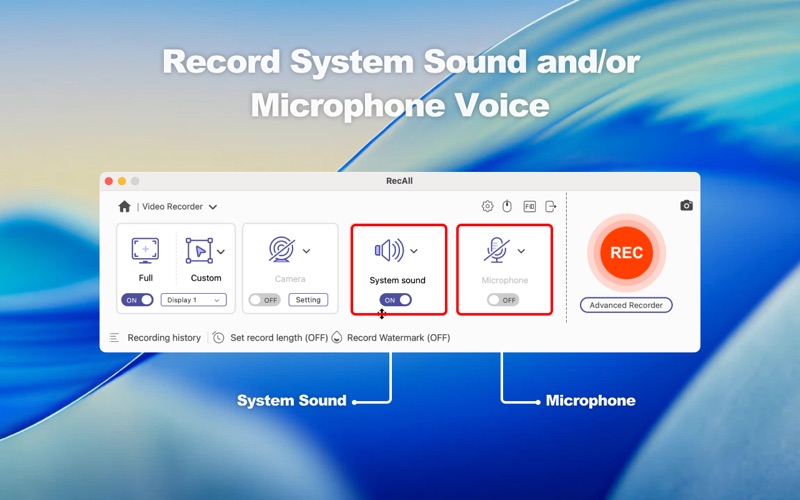
Audio Mastery: Choose your sound source freely. Record system audio (speakers) or microphone voice to create perfect voiceovers.
Webcam Overlay: Toggle your camera on/off to add a personal touch to your tutorials or reaction videos.
Real-time Annotation: Use the built-in drawing tools during recording. Highlight key points, draw shapes, or add notes on the fly without stopping your workflow.

【Why Choose RecAll?】
No Time Limits: Record as long as you need.
High Performance: Optimized to ensure low CPU usage even when recording at 120 FPS.
Simple Workflow: One-click to start/stop. A clean, intuitive interface that requires no learning curve.
Privacy Focused: Your recordings are stored locally on your device; we do not access your private data.

【Perfect For】
Gamers: Capture epic moments in 120 FPS with AV1 encoding.
Educators: Create video instructions and online courses with real-time drawing.
Business Professionals: Record webinars, online meetings, and online calls for later review.
Content Creators: Capture streaming events and social media clips in multiple formats.

【It works with OS X 10.12 or later! 】
Need help? Please contact us via https://www.anymp4.com/app-store/contact.html and you will receive a reply within 24 hours.
If you love this app, do not hesitate to leave a review.