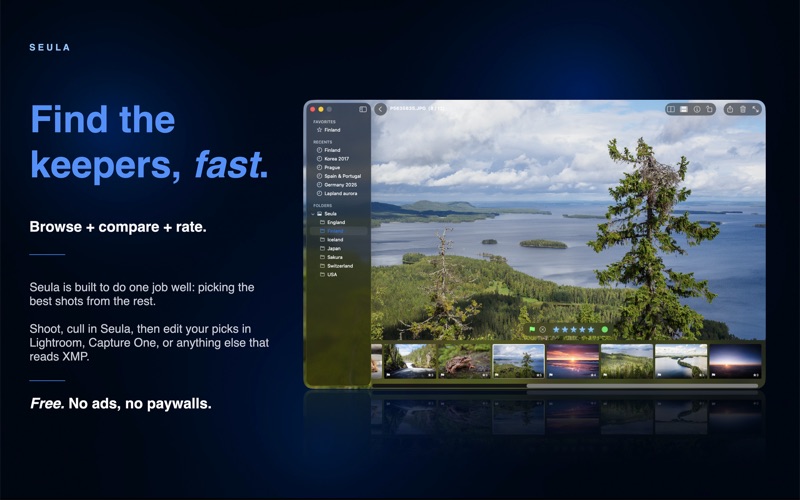
Seula is a Mac app for photo review and culling before editing. It's designed for going through large image sets, comparing similar frames, and organizing the initial selection before moving to a full photo editor.

FAST REVIEW BEFORE EDITING

Seula uses preview-based viewing by default, so browsing, zooming, and comparing images stays responsive with large folders. When more detail is needed, high-quality RAW rendering can be enabled. Seula works with JPG, RAW, mixed JPG+RAW sets, and other commonly used image formats.

GROUP AND CULL BURSTS EFFICIENTLY

Seula detects consecutive burst shots by capture time and similarity and groups them into a single stack, so a hundred near-identical frames read as one card instead of cluttering the grid. Stacks can be split, merged, or dissolved at any time, and every correction is undoable. Burst Review then steps through every stack in a folder one at a time: pick the frames worth keeping, and the rest are marked rejected in one undoable action, so culling a folder full of bursts takes a fraction of the clicks.

SELECTIONS THAT CARRY FORWARD

Ratings, color labels, and pick / reject marks can be added during review, before importing or opening images in an editor. They are useful for early prioritization and categorization: selects, alternatives, rejects, and images that need another look. Seula saves this information as compatible photo metadata for use in metadata-aware editing workflows.

TOOLS FOR CLOSER REVIEW

Survey mode helps review related images as a group. Compare mode is for side-by-side inspection of similar frames, and a single keypress blinks between a photo and its nearest neighbor at the same zoom and position, useful for spotting the sharper frame in a burst. Seula also supports deep zooming, focus peaking, autofocus point overlays when available, and batch renaming after the selection is done.

Seula works with local files on your Mac. No account is required, and photos are not uploaded to a cloud service.