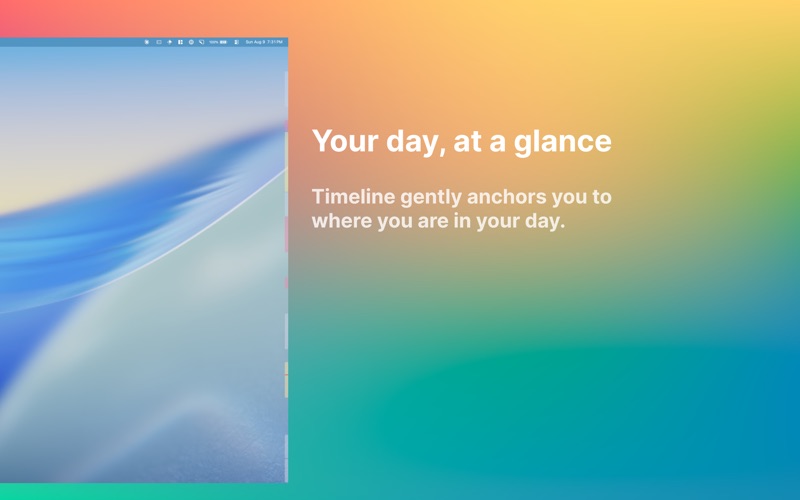
Timeline adds a persistent overlay to the edge of your screen containing events from your calendar
Timeline adds a persistent overlay to the edge of your screen containing events from your calendar.

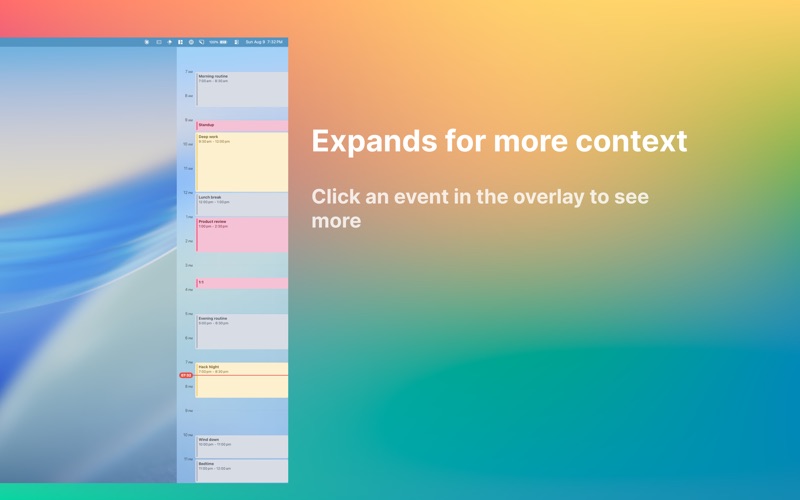
Your events are mapped as colored bars from top (morning) to bottom (night). A red line marks the current time. Busy afternoon ahead? You'll see it at a glance.

CLICK TO EXPAND
Tap the timeline and it widens to show event titles, hour markers, and exact start and end times.

YOUR CALENDARS, YOUR COLORS
Events inherit their calendar color. Work, personal, and family are distinct at a glance. You choose which calendars appear in Timeline.

WORKS WITH YOUR EXISTING CALENDARS
Timeline reads from Apple Calendar, which means Google Calendar, Outlook, and iCloud all work out of the box.

BUILT FOR TIME BLINDNESS
If happens to time slips away from you, ambient visuals work better than alerts. Timeline keeps you anchored to your day without demanding your attention.

Configure the app from the menu bar. Everything else stays out of your way.