



Description
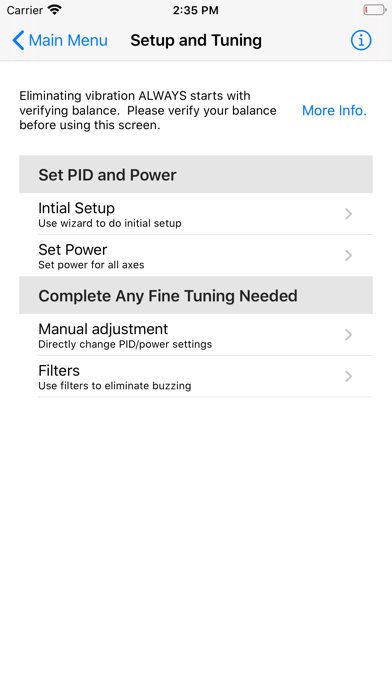
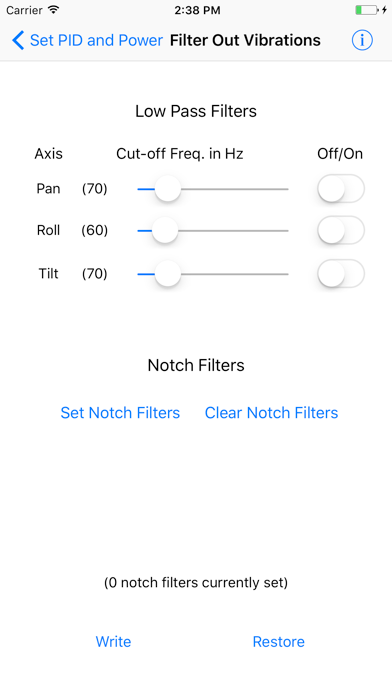
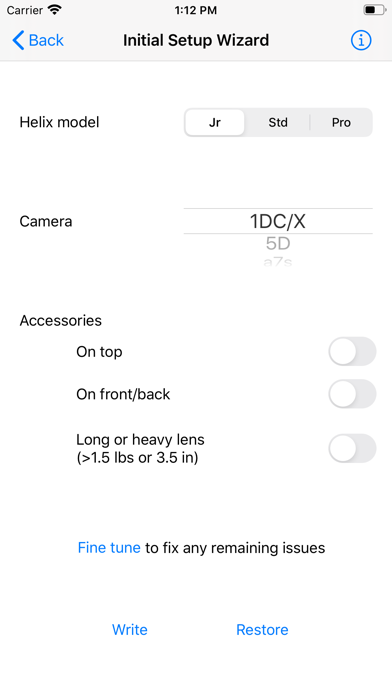
The Letus Helix app is designed to be a simple and intuitive way of changing settings on the Letus Double Helix, Helix Pro, Standard Helix, and Helix Jr
The Letus Helix app is designed to be a simple and intuitive way of changing settings on the Letus Double Helix, Helix Pro, Standard Helix, and Helix Jr.  Many settings from the SimpleBGC GUI (PC/Mac-based configuration program) have been eliminated, because those settings are only needed to work with other gimbals or are rarely used.  Additional tools to help the user have been created to assist the user in their use of the Helix.

Connection with the Helix is done as follows:
1) Turn the Helix on
2) Go to the Home screen on your iPhone/iPad.
3) Find Settings -> Wi-Fi and select your Letus Helix.
4) Enter the wifi password found in the app help files (found by pressing the info button on the app's main menu).
5) Once it connects in iOS, you can go to the app and press the connect button.
